InventiPro EMS — Education Management
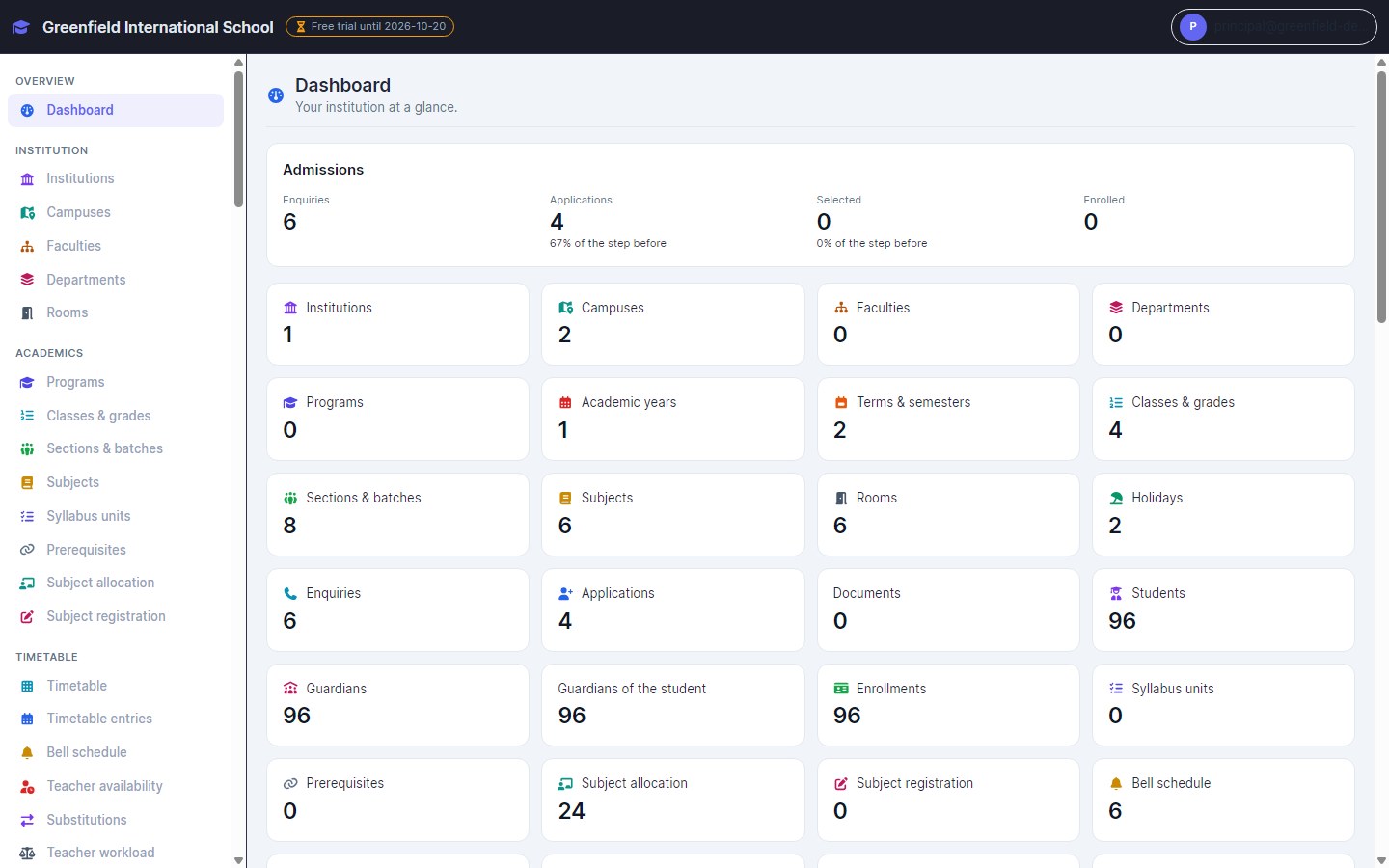
Admissions, timetables, attendance, exams, fees and more for schools, colleges and institutes. This guide covers how to start, how to set up your institution and how the main workflows run day to day.
Overview
EMS is a separate product from InventiPro POS and HIMS, with its own plans. It runs in the browser on any phone, tablet or computer.
Students & admissions
Academics
Fees
Campus life
Staff & procurement
Portal & certificates
Getting started
- 1
Create your institution's account
Open /edu/register. The free trial starts straight away, with no card. Already use InventiPro POS or HIMS? Sign in and start the EMS trial from the same account. - 2
Sign in later
Use /edu/login. EMS has its own sign-in. - 3
Pick a plan
Plans are monthly or yearly, sized by active students, staff and campuses. Upgrade inside the app under Admin › Plan & billing.
Set up your institution
Set these up once, in this order, before your first admissions or attendance.
- 1
Institution and campuses
Enter your institution's profile and each campus. - 2
Academic year and terms
Create the academic year and its terms. Holidays and working days decide what attendance expects. - 3
Programs, classes and sections
Add departments and programs, then classes and sections, and the rooms they use. - 4
Subjects and teachers
Add subjects, allocate teachers, and set workload limits so the timetable can refuse overloads. - 5
Fee structures
Create fee heads and structures with instalments, then concessions and scholarships. - 6
Grading scheme
Define your own grading scheme — grades, points and pass marks — before the first exam. - 7
Staff and roles
Add staff and give each a role. Each person sees only their campus and duties. - 8
Portal accounts (optional)
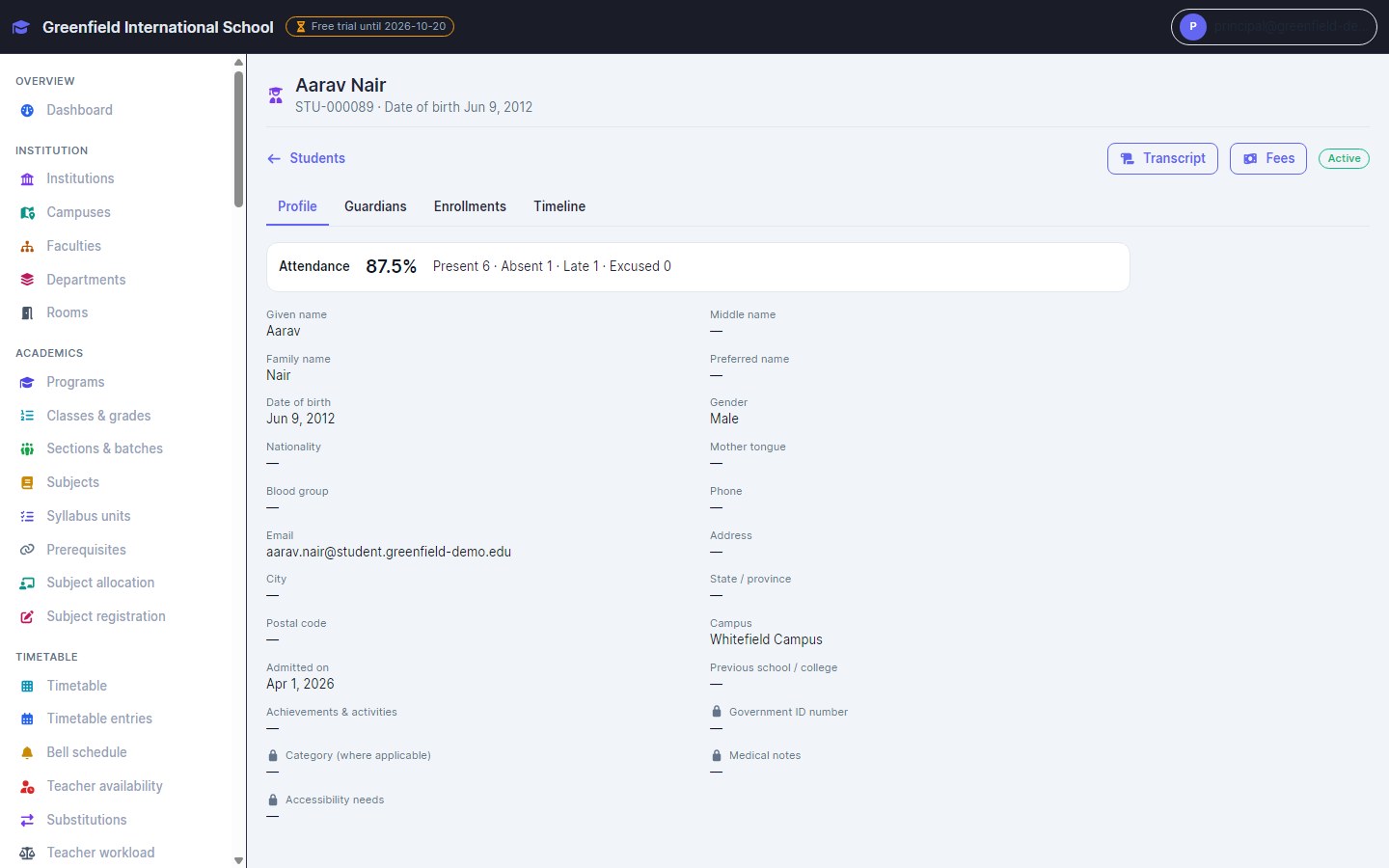
Create student and parent portal accounts so families can see timetable, attendance, results and fees.
Everyday workflows
Admissions
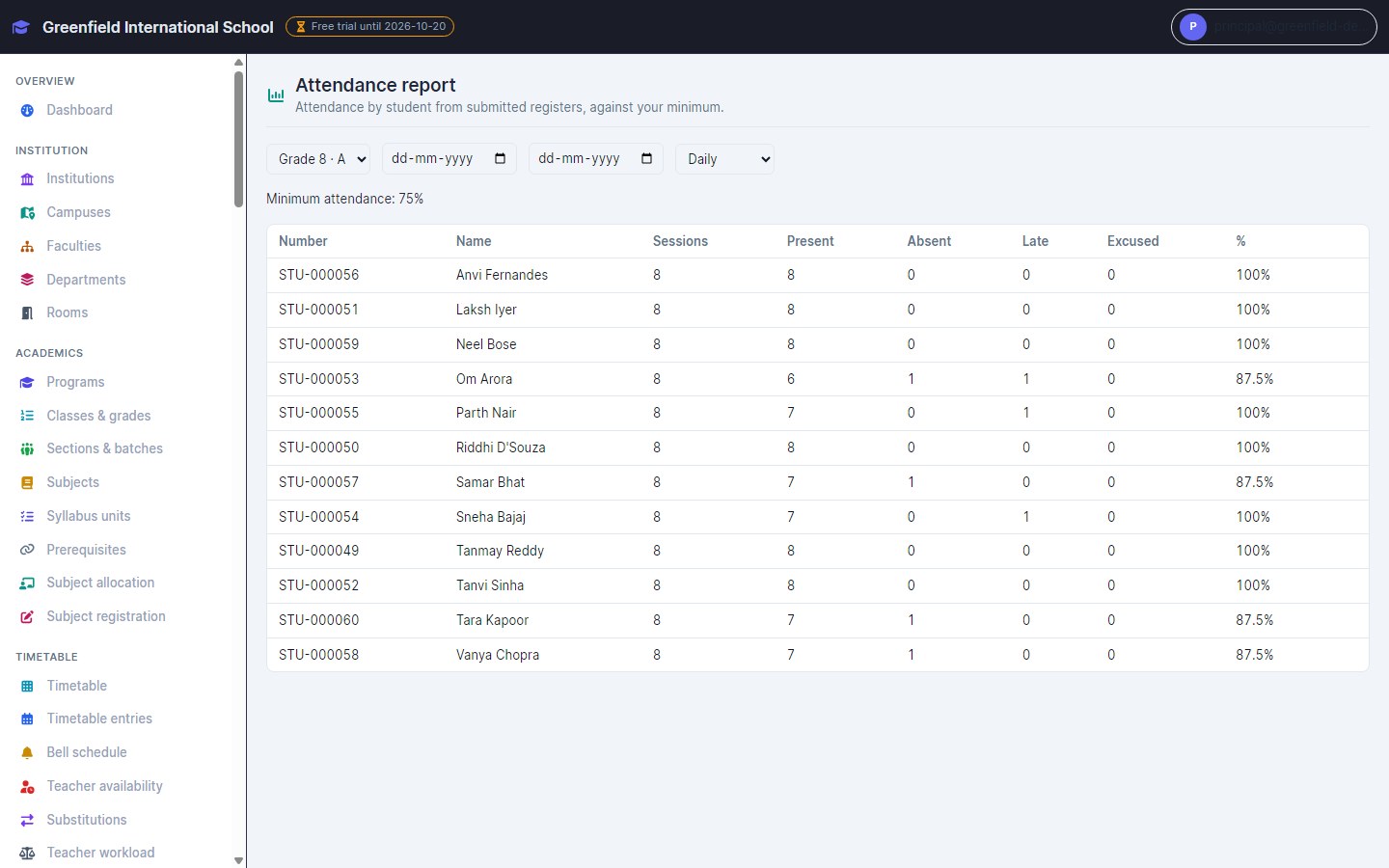
Attendance
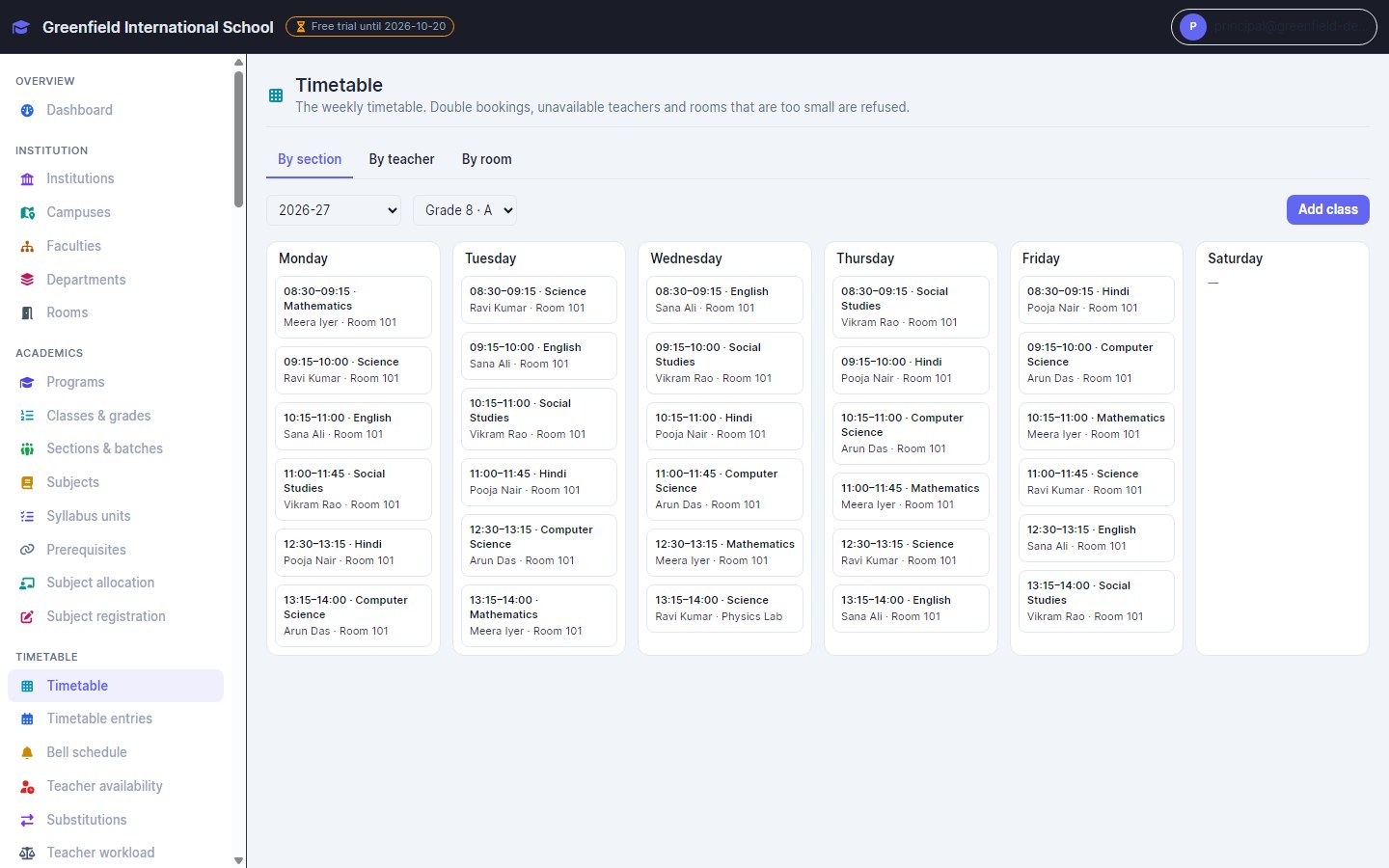
Timetable
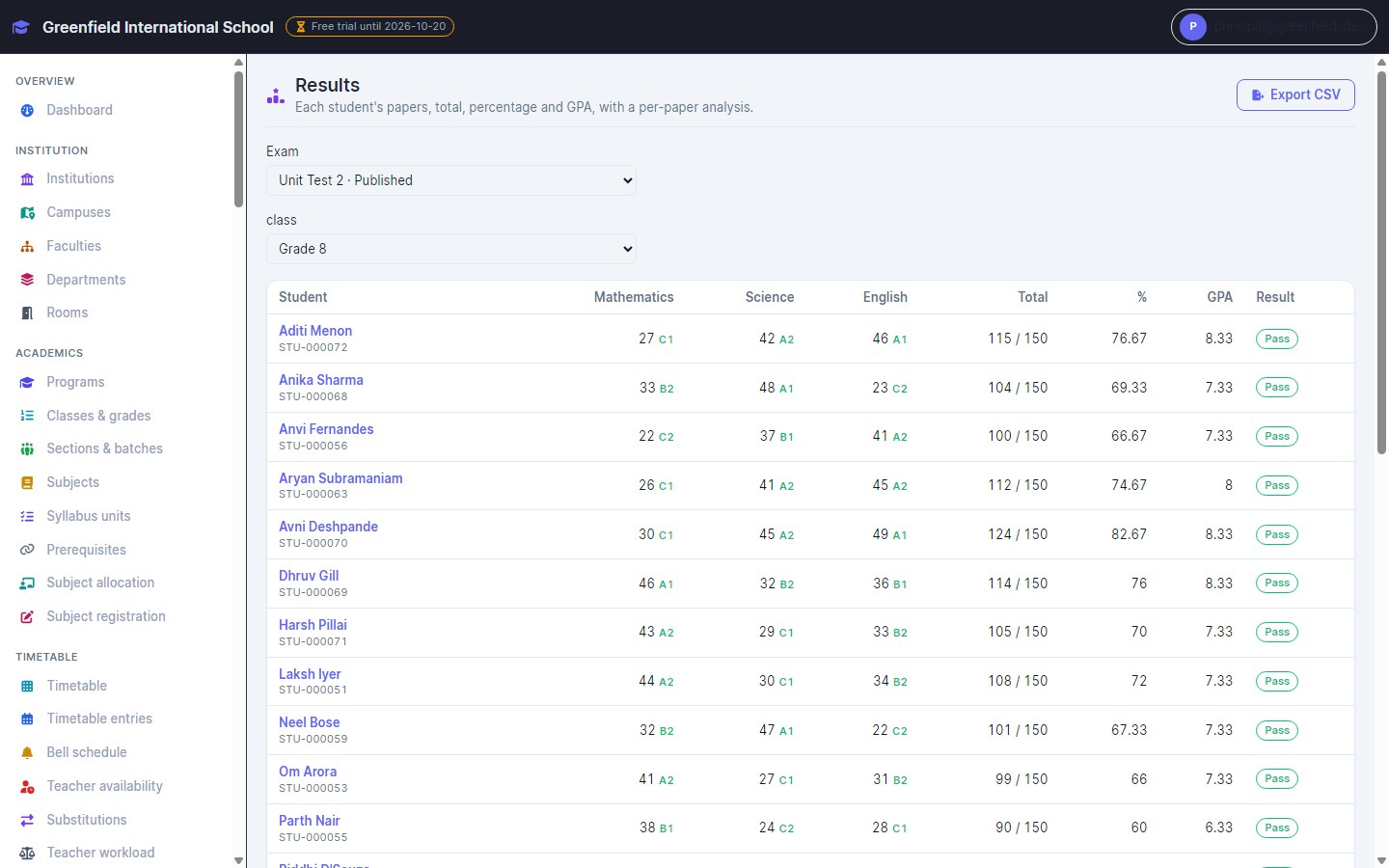
Exams and results
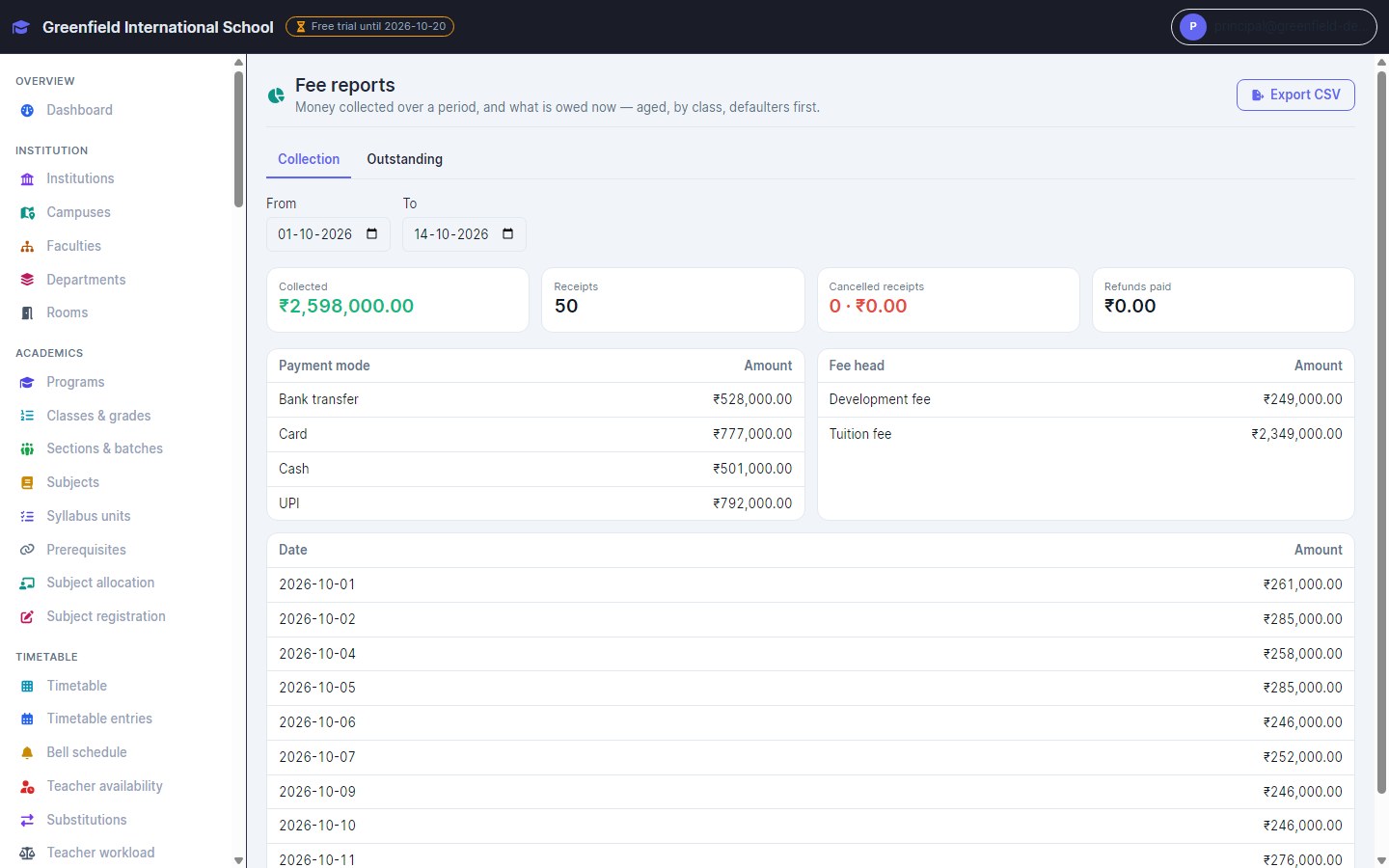
Fees
Certificates
Troubleshooting
FAQs
Is EMS part of InventiPro POS or HIMS?
No. It is a separate product with its own plans. You can have more than one on the same account.
Who is it for?
Schools, colleges, coaching institutes and universities — from a single campus to a group with several.
How does the free trial work?
Create your institution's account and the trial starts straight away, with no card needed.
How is it priced?
By plan, monthly or yearly, sized by active students, staff and campuses.
Do I need to install anything?
No. It runs in the browser on any phone, tablet or computer.
Can parents and students use it?
Yes. An optional portal shows timetable, attendance, results and fees, and lets families pay fees online.
Ready to try EMS?
Start a free trial, or book a walkthrough first.